
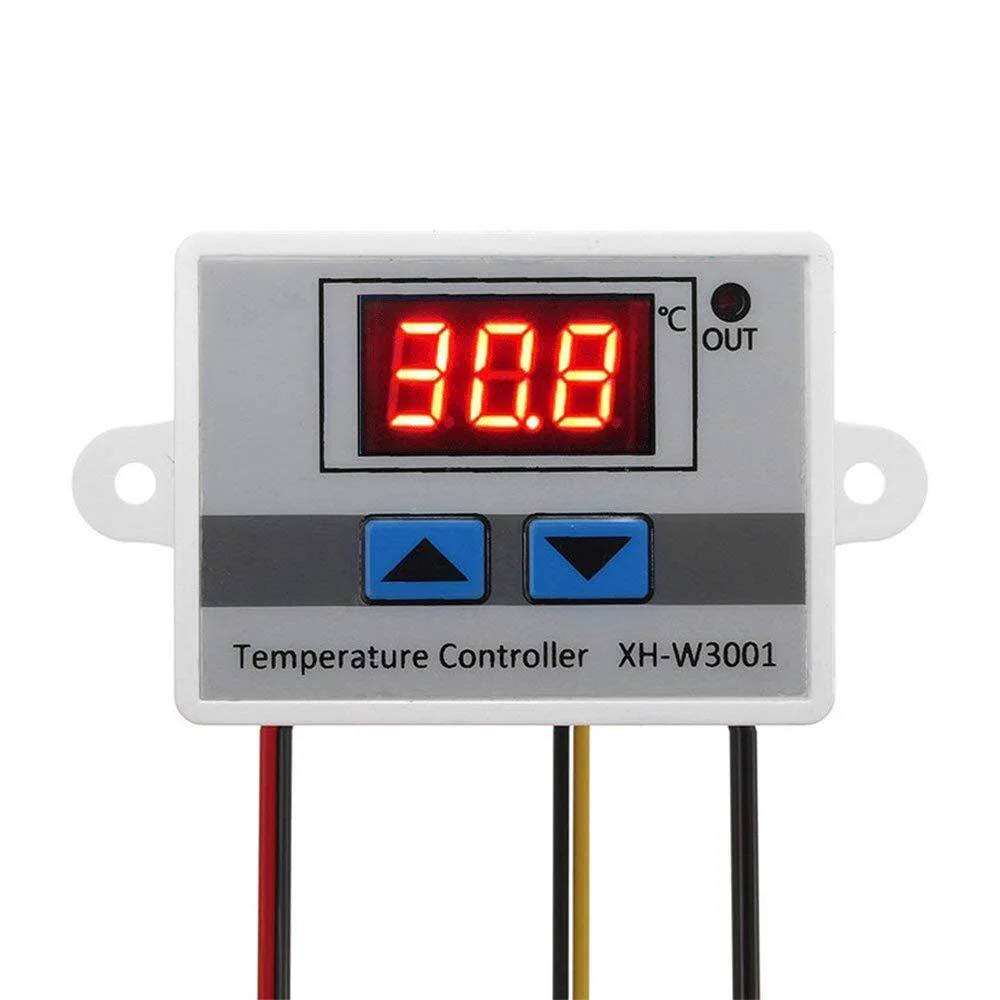
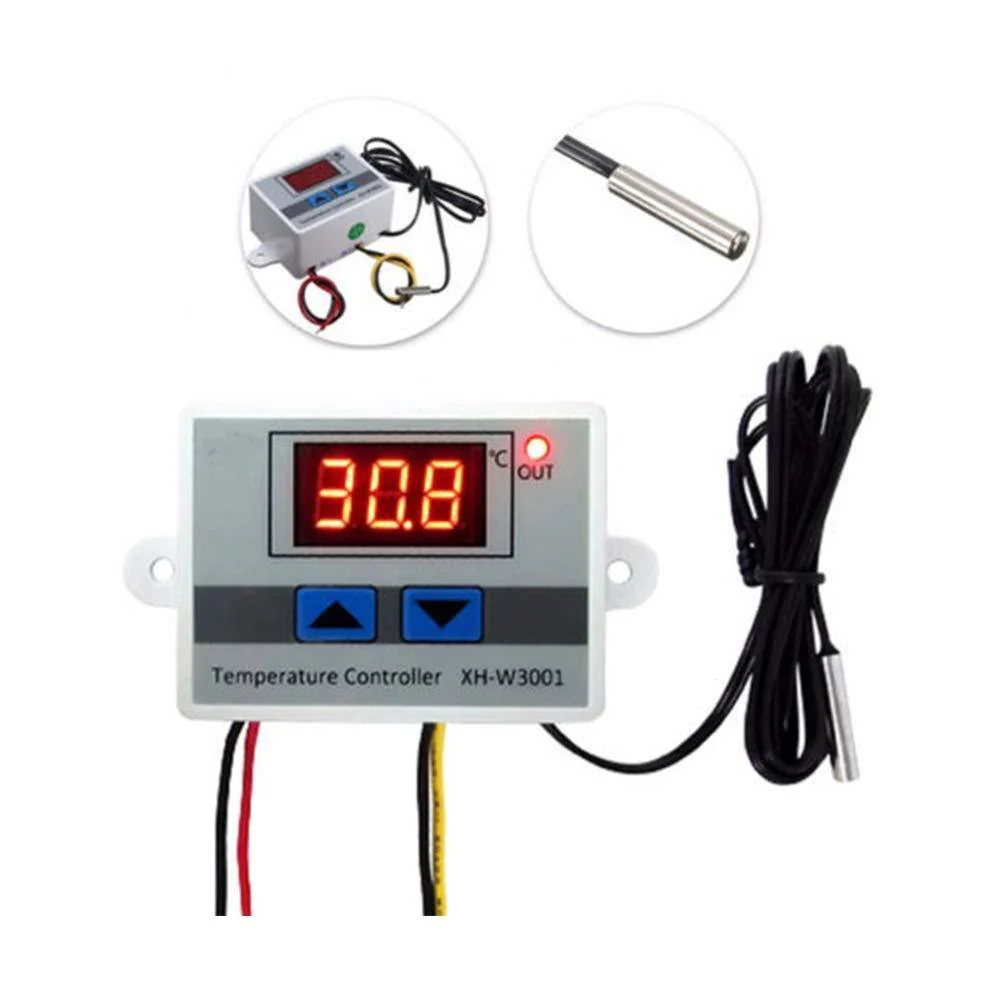
XH-W3001 DC 12V 120W Digital Display LED Temperature Controller with Thermostat Control Switch Probe
Original price was: ₹249.00.₹141.00Current price is: ₹141.00.
- The XH-W3001 digital thermostat switch needs a supply voltage of 12V and produces a power of 120W.
- This digital temperature controller is equipped with a 1 metre long stainless waterproof probe that has great resistance against corrosion.
- All the important components of the XH-W3001 digital thermostat are protected in a ABS housing.
- It offers high-temperature control precision of 0.1℃. The temperature control range from -50℃ to 110℃.
- The 12V XH-W3001 temperature controller is best used for heating control in refrigeration and suitable for seafood machines.
Description
XH-W3001 DC 12V 120W Digital Display LED Temperature Controller with Thermostat Control Switch Probe
This is XH-W3001 DC 12V 120W Digital Temperature Controller Microcomputer Thermostat Switch. A temperature measurement and Controller tool with high accuracy and precision at a very low cost. It offers a high-temperature control precision of 0.1?. The temperature control range from -50? to 110?.
The LED Display shows the results clearly. One can directly install or embed the XH-W3001 in the industrial control equipment panel, which is convenient and quick. This temperature controller features a 1M probe made up of stainless steel material which makes it waterproof and does not let it rust easily. Also, all the delicate and sensitive components are kept safe in ABS flame retardant housing which is avirulent and environmentally protective.
Digital display LLL: If the digital tube displays LLL, the sensor is faulty. Please repair the sensor or replace the sensor.
Digital display HHH: If the digital tube displays HHH, this is because the detected temperature is beyond the measurement range.
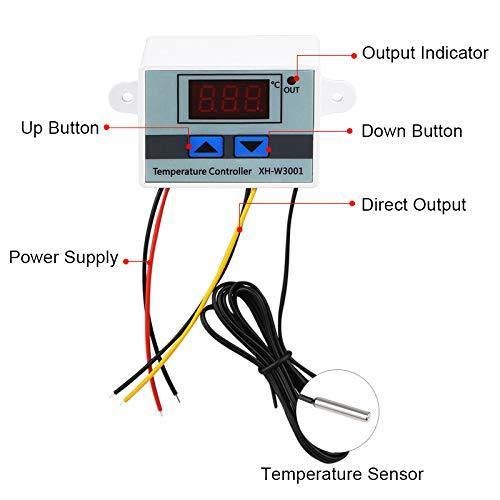
BUTTON FUNCTIONS OF THE XH-W3001 CONTROLLER:
- Press UP to show the start temperature button.
- On Long press of the UP button, the display starts flashing, then press the UP or DOWN button Set the beginning of the temperature value
- Press Down the display button to stop the temperature.
- On the Long press of the Down button, the display starts flashing, then press the Up or Down button Set to stop the temperature value.
Related products

M274 360 Degree Rotary Encoder
Original price was: ₹99.00.₹42.00Current price is: ₹42.00.
ZMPT101B AC Single Phase Voltage Sensor Transformer Module
Original price was: ₹149.00.₹83.00Current price is: ₹83.00.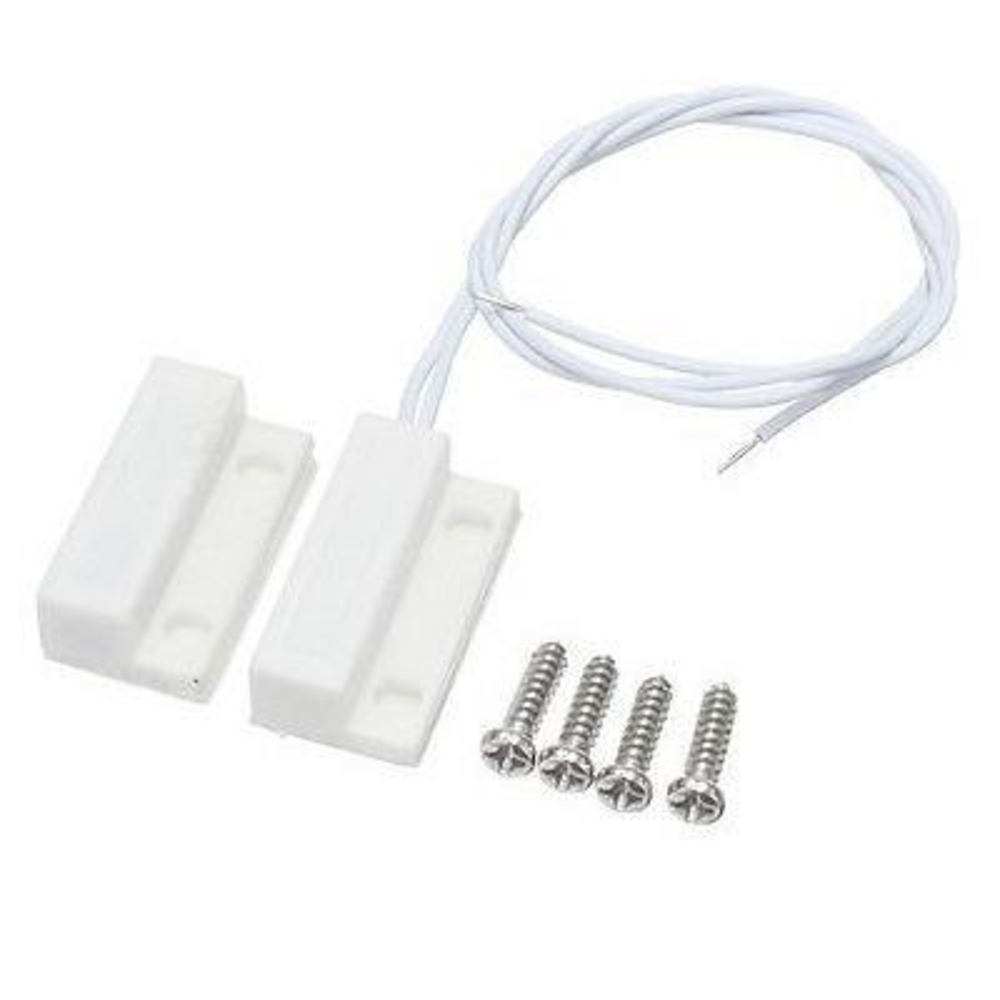
MC-38 Wired Magnetic House Security Alarm Sensor for Door and Windows
Original price was: ₹54.00.₹40.00Current price is: ₹40.00.
IIC/I2C Serial Interface Adapter Module
Original price was: ₹249.00.₹176.00Current price is: ₹176.00.
We specialize in providing DIY electronics kits and components, empowering makers and hobbyists to build innovative projects. We also develop final year projects for engineering students, delivering hands-on solutions for academic excellence.