

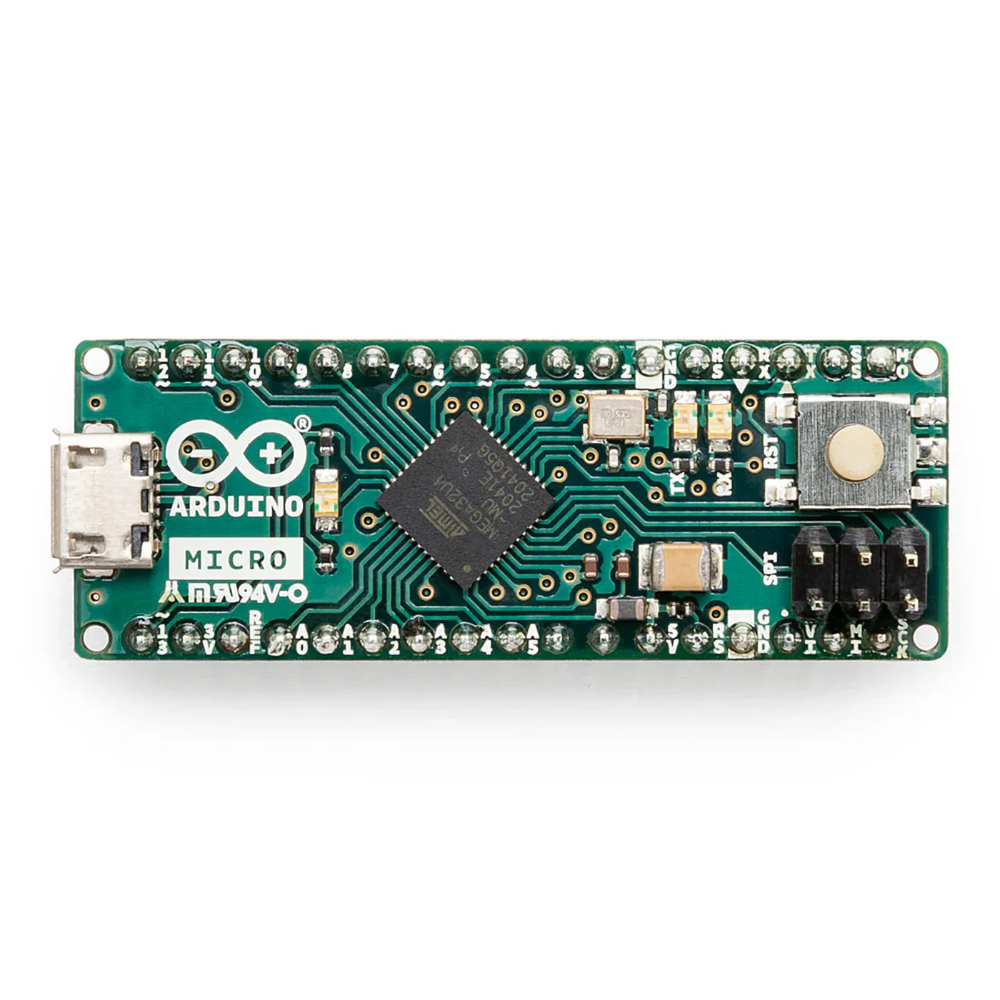

Arduino Micro with Headers A000053
Original price was: ₹2,699.00.₹1,574.00Current price is: ₹1,574.00.
- The Arduino Micro board is built with an ATmega32U4 microcontroller.
- This Arduino Micro features 20 digital input/output pin and a 16 MHz crystal oscillator.
- Simply connect it to a computer with a micro USB cable to get started.
Description
Arduino Micro with Headers
The Arduino Micro was developed by Arduino in collaboration with Adafruit. The Arduino micro is a powerful development board integrated with the ATmega32U4 microcontroller. This arduino board features 20 digital input/output pins (of which 7 can be used as PWM outputs and 12 as analog inputs), a 16 MHz crystal oscillator, a micro USB connection, an ICSP header, and a reset button.
The Arduino Micro contains everything needed to support the microcontroller; simply connect it to a computer with a micro USB cable to get started. It has a form factor that enables it to be easily placed on a breadboard.
This Original Arduino Micro is similar to the Arduino Leonardo in that the ATmega32U4 has built-in USB communication, eliminating the need for a secondary processor. This allows the Micro to appear to a connected computer as a mouse and keyboard, in addition to a virtual (CDC) serial / COM port. It also has other implications for the behaviour of the board.
Onboard is the processor, crystal, micro USB connection with fuse, Reset button, ISP low-level reprogramming header, ON LED, TX and RX LEDs, an extra user pin #13 LED, and a 3.3V regulator. You’ll probably also want to pick up a micro-B USB cable to connect this board to your computer
You can use it for basic Arduino sketches as well as USB client projects like making it appear as a mouse or keyboard to your computer! Although it is not shield compatible – it does have all the same pins as a Leonardo. Its best for when you want to shrink your project down or use it on a breadboard.

Related products

Arduino UNO R3 Development Board ATMEGA16U2 ATMEGA328P (DIP)
Original price was: ₹649.00.₹437.00Current price is: ₹437.00.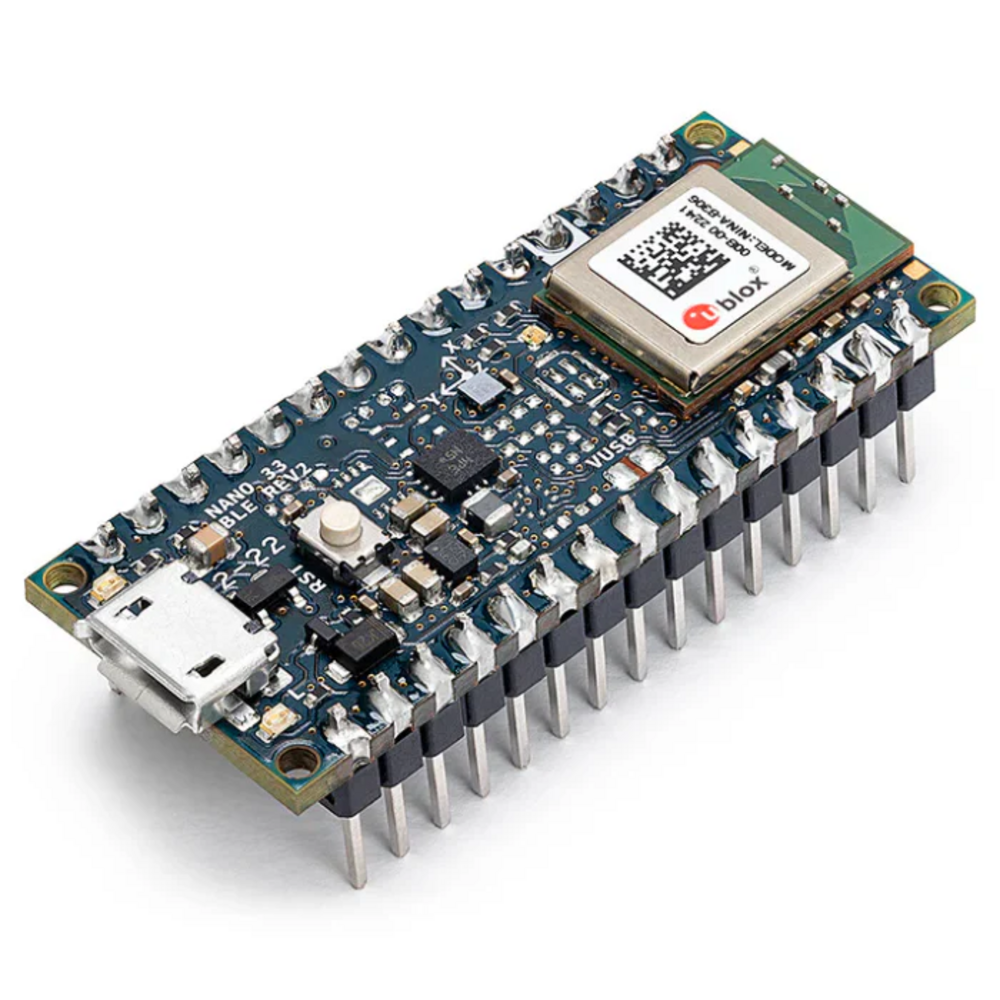
Official Arduino Nano 33 BLE Rev2 Development Board with Headers – ABX00072
Original price was: ₹2,749.00.₹1,977.00Current price is: ₹1,977.00.
UNO Based ESP8266 Nodemcu Development Board
Original price was: ₹299.00.₹258.00Current price is: ₹258.00.
Arduino MEGA R3 ATmega2560-16AU Development Compatible Board
Original price was: ₹1,459.00.₹1,334.00Current price is: ₹1,334.00.
We specialize in providing DIY electronics kits and components, empowering makers and hobbyists to build innovative projects. We also develop final year projects for engineering students, delivering hands-on solutions for academic excellence.